
Shopify quietly launched a free app to help with pricing, and I hardly ever see it installed on the stores I work with.
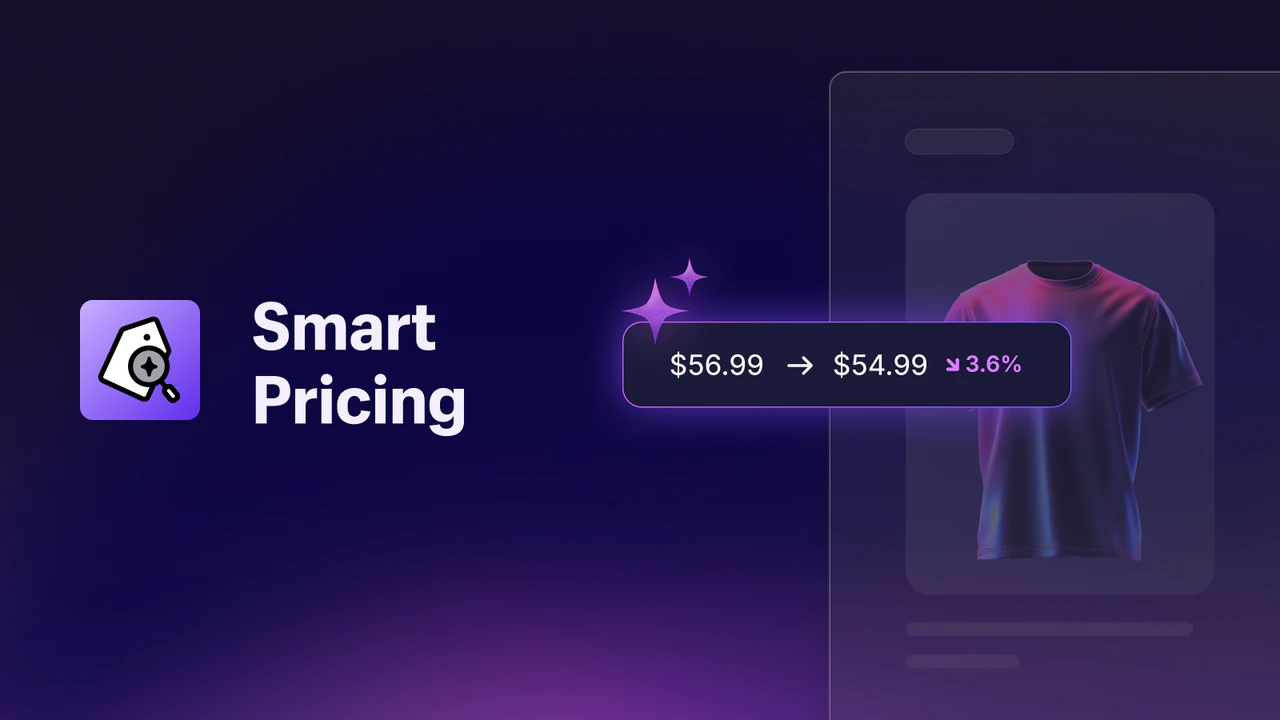
Pricing is one of those things most Shopify store owners set once and quietly forget about. You pick a number that feels right, maybe you nudge it a bit when a sale rolls around, and then it just sits there. Meanwhile your stock is moving at wildly different speeds; some products fly off the shelf, others gather dust in the back of the warehouse, and the price tag on both stays exactly the same.
Shopify quietly launched a free app to help with this, and I hardly ever see it installed on the stores I work with. Which, honestly, is a bit of a shame; because it's the sort of thing that can quietly protect your margins without you paying a penny for the privilege. It's called Smart Pricing, and here's what it actually does.
At its core, Smart Pricing gives you AI-driven price tips for two things: markdowns and markups. That's the whole idea. It looks at your store's own data and suggests where you might lower a price to shift slow-moving stock, and where you could raise a price on something that's selling well to squeeze a bit more margin out of it.
The tips aren't pulled out of thin air, either. They're grounded in your actual numbers; your sell-through rate, how much inventory you've got sitting there, your cost per item, and seasonality. Shopify forecasts how a product is likely to move over roughly the next 90 days at its current price, then suggests a change if there's a better number to be had. The tips refresh on a weekly basis, so they keep pace with what's genuinely happening in your store rather than going stale.
The best part is how little effort it takes to use. You review the suggestions, and you apply the ones you like with a single click; either one product at a time or in bulk. No theme edits, no code, no wrestling with Liquid at midnight. If you hover over a tip, it'll even tell you why it's suggesting that change. And crucially, you stay in control the whole way through; nothing changes unless you say so, and you can skip any tip you don't fancy.
Here's why it's worth a look:
Worth being upfront here, because Smart Pricing has some eligibility requirements and there's no point installing it if you don't qualify. To get markdown and markup tips, you'll need:
If that's you, brilliant. If you're a low-volume or digital-first store, this one probably isn't for you yet; and that's fine, better to know before you spend an afternoon on it.
The temptation with a one-click bulk-update button is to accept every tip in one go and walk away. I'd resist that. Here's a more sensible way in:
Think of it as a second opinion on your pricing that never gets tired or emotional about it.

Picture a homeware brand with a broad catalogue; a couple of hundred SKUs across candles, ceramics, textiles, that sort of thing. Some lines are seasonal, some are evergreen, and the owner genuinely doesn't have time to review the price of every single product by hand.
That's a perfect fit. Smart Pricing quietly flags that the summer linen range is slowing down as autumn arrives and suggests marking it down to clear it before it becomes next year's problem. At the same time, it spots that a particular candle scent is selling far faster than expected and nudges the price up a little; capturing extra margin on something that would've sold anyway. The owner reviews both over a coffee on Monday morning, applies the ones that make sense, and gets on with their day. No agency invoice, no spreadsheet gymnastics, just better pricing decisions made in a few minutes.
This is exactly the kind of store I work with day to day, and it's the sort of low-effort, high-leverage tweak that adds up over a year.
Here's the honest bit. I rarely see Smart Pricing installed on the stores I work with. Most owners either don't know it exists, assume anything with "AI" attached is going to be complicated, or have never got round to it. Which means if you set it up now, you're doing something the vast majority of your competitors simply aren't; making sharper, data-backed pricing decisions while they're still eyeballing their margins and hoping for the best.
That's the definition of a low-cost edge. It's free, it's built by Shopify, and it's sitting right there in your app store. If you'd like a hand getting it set up properly (or you want to talk through your wider Shopify design and development), that's exactly the sort of thing I help with.
I'm a solo Shopify freelancer with no agency overhead, so you get the work done directly by the person you're talking to. You can see more about how I work over on the homepage, and if you're ready to chat, get in touch here and let's have a look at your store together.
Go well!